Works in every app
A Windows keyboard hook hears each key press across your whole PC, in your editor, browser, chat and terminal. You don't need to switch to Clackwell to hear it.
Clackwell is a free keyboard sound app for Windows. It plays a mechanical switch sound each time you press a key, in every app on your PC. Twenty switches, four originals, and low-latency native audio.
press and hold the switch
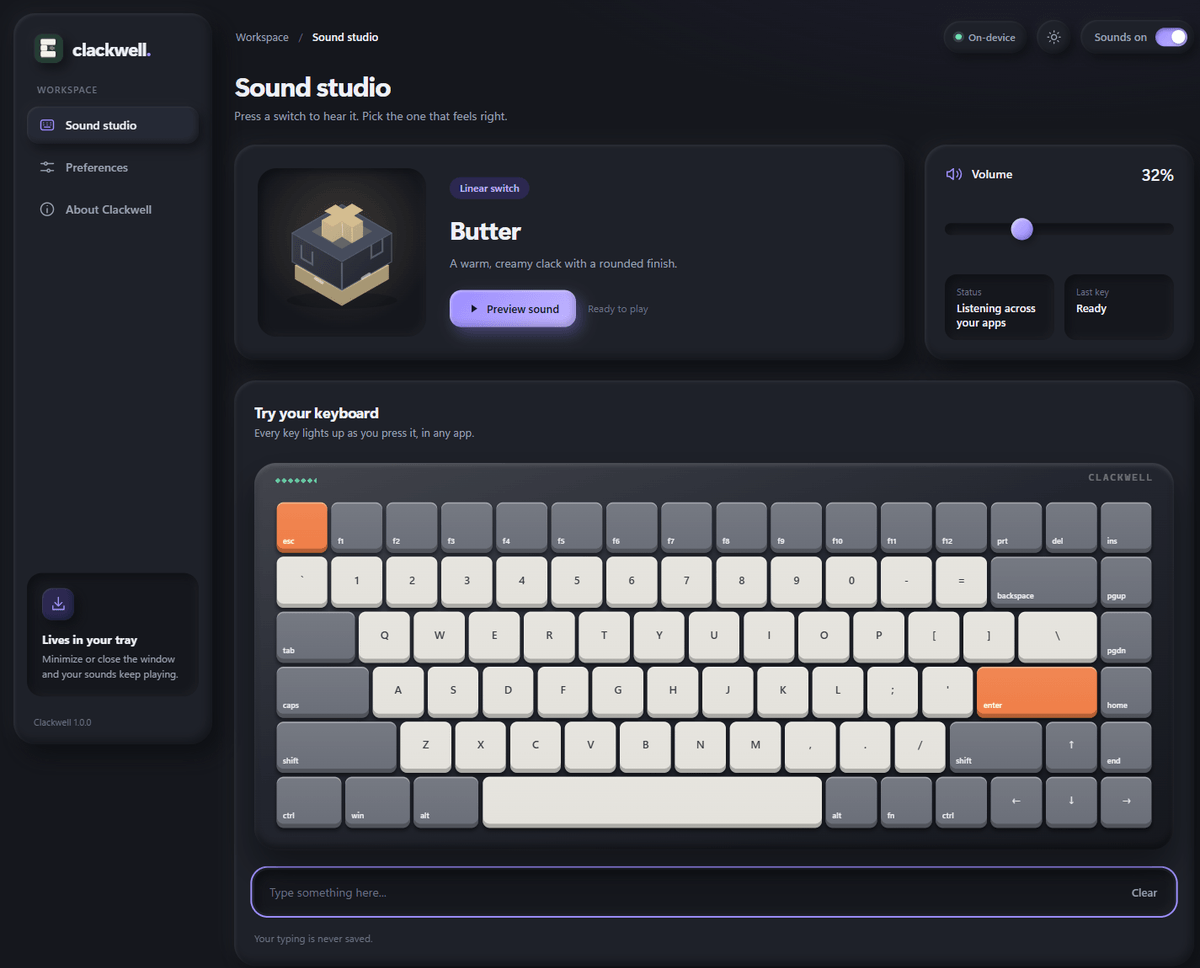
This is the same sound engine the app uses, running in your browser. Press keys on your keyboard, or tap the board.
Press and hold a card to hear the press, then let go to hear the return. The one you pick plays on the demo keyboard above.
Clackwell runs quietly in the background and stays out of your way.
A Windows keyboard hook hears each key press across your whole PC, in your editor, browser, chat and terminal. You don't need to switch to Clackwell to hear it.
Sounds play through a native audio stream that never sleeps, rather than the browser engine, so the click lands with your finger.
Several variants per key size and a touch of pitch drift, so repeated keys never sound robotic. Space and Enter sound bigger, like a real board.
Minimize or close the window and your sounds keep playing. Right click the tray icon to pause sounds or quit.
A 3.6 MB portable executable that uses the web runtime already built into Windows 11. Nothing to install.
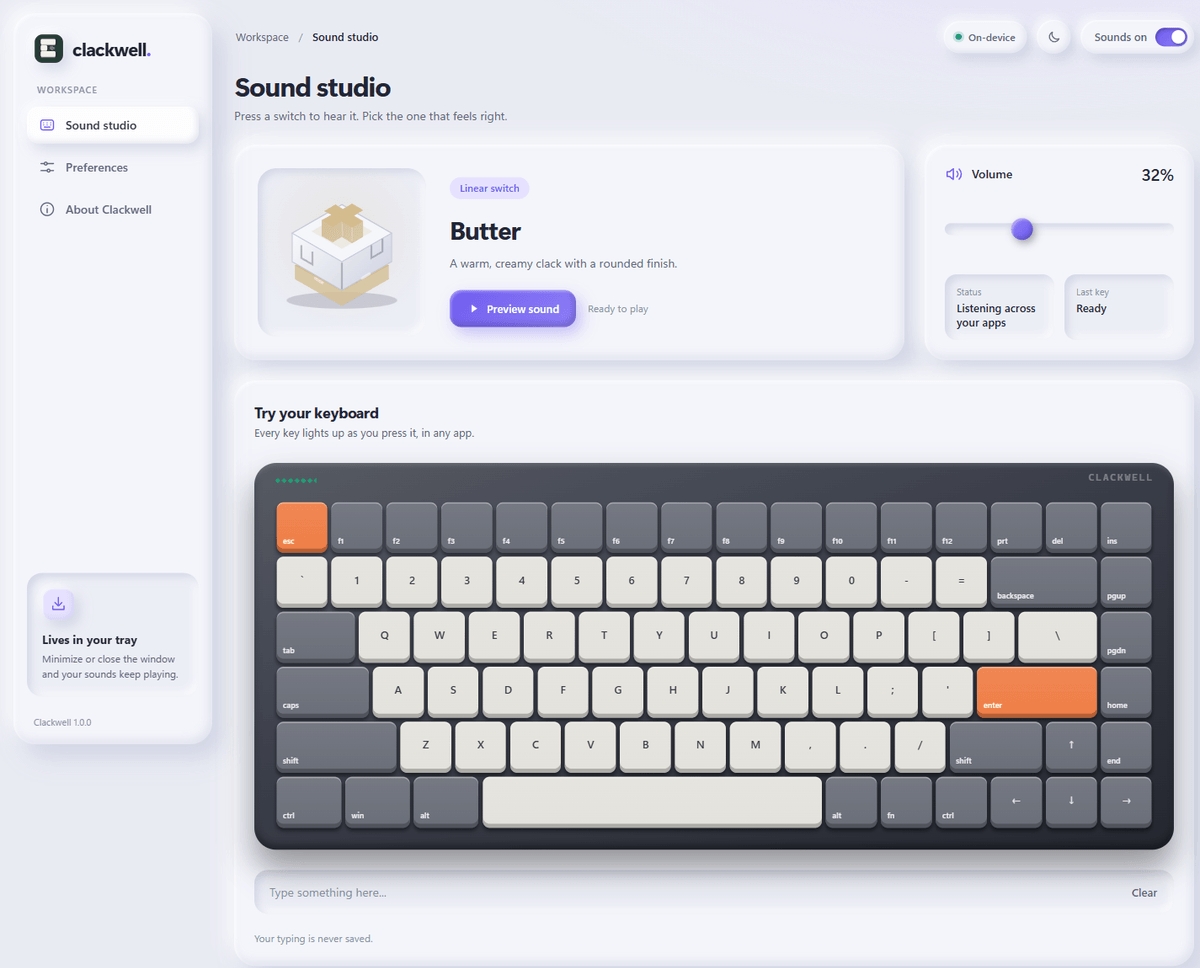
Set the volume, turn natural pitch variation and key release sounds on or off, and choose whether Clackwell starts with Windows. Light and dark themes included.
Grab the portable .exe and run it. No setup wizard and no account.
Press the cards in the sound studio until one feels right, then set the volume.
Close the window. Clackwell keeps playing from the tray in every app you use.
The keyboard hook passes only which physical key moved and how big it is. No typed text or key history is saved or sent anywhere, and Clackwell makes no network requests.
settings.jsonYes. Download the executable and use it as long as you like.
Windows 10 and 11. It uses a web runtime that comes with Windows 11 and is already on most Windows 10 machines.
No. Only the physical key code and its size category reach the app, so it knows to play a spacebar sound rather than a letter. Nothing typed is saved or transmitted.
Yes. The build is unsigned, so Windows may warn you the first time. Choose More info, then Run anyway.
Windows blocks global keyboard input on secure desktops such as the login and User Account Control screens. Sounds resume as soon as you're back.
Right click the Clackwell icon in the notification tray and choose Quit Clackwell. Windows may tuck the icon into the tray overflow menu.
Free for Windows. One file, 3.6 MB. Enjoying it? You can help keep it that way.